Zillow 3D Tour: How It Works, When to Go Pro
A Zillow 3D tour is a free, self-captured virtual tour shot with the Zillow 3D Home app. How to make one, what changed in 2025, and when a pro tour wins.
A Zillow 3D tour is a self-guided virtual tour captured with Zillow’s free 3D Home app and played natively on a Zillow listing. Anyone with a newer iPhone or a compatible 360 camera can shoot one, it costs nothing, and paired with a 360 camera it can generate an interactive floor plan. The catch is the same as every free tool: the capture quality is on you, and on a competitive listing the difference shows.
We’re OpenDoors360. We shoot HDR photography and hosted 360 virtual tours across New York City and Baltimore, so agents ask us about the Zillow tour constantly, usually right after asking why their phone capture looks nothing like the listing photos. Here’s the full picture.
- What it is: Zillow’s own tour format, captured with the free Zillow 3D Home app
- What you need: a newer iPhone, or a 360 camera like the Ricoh Theta for better results
- Floor plan: the interactive floor plan requires a compatible 360 camera, not just a phone
- What changed: Zillow stopped supporting third-party tours like Matterport inside listings in late 2025
- Free vs pro: the app is free; a professional 360 virtual tour (ours starts at $300) wins on lighting, stitching, and use beyond Zillow
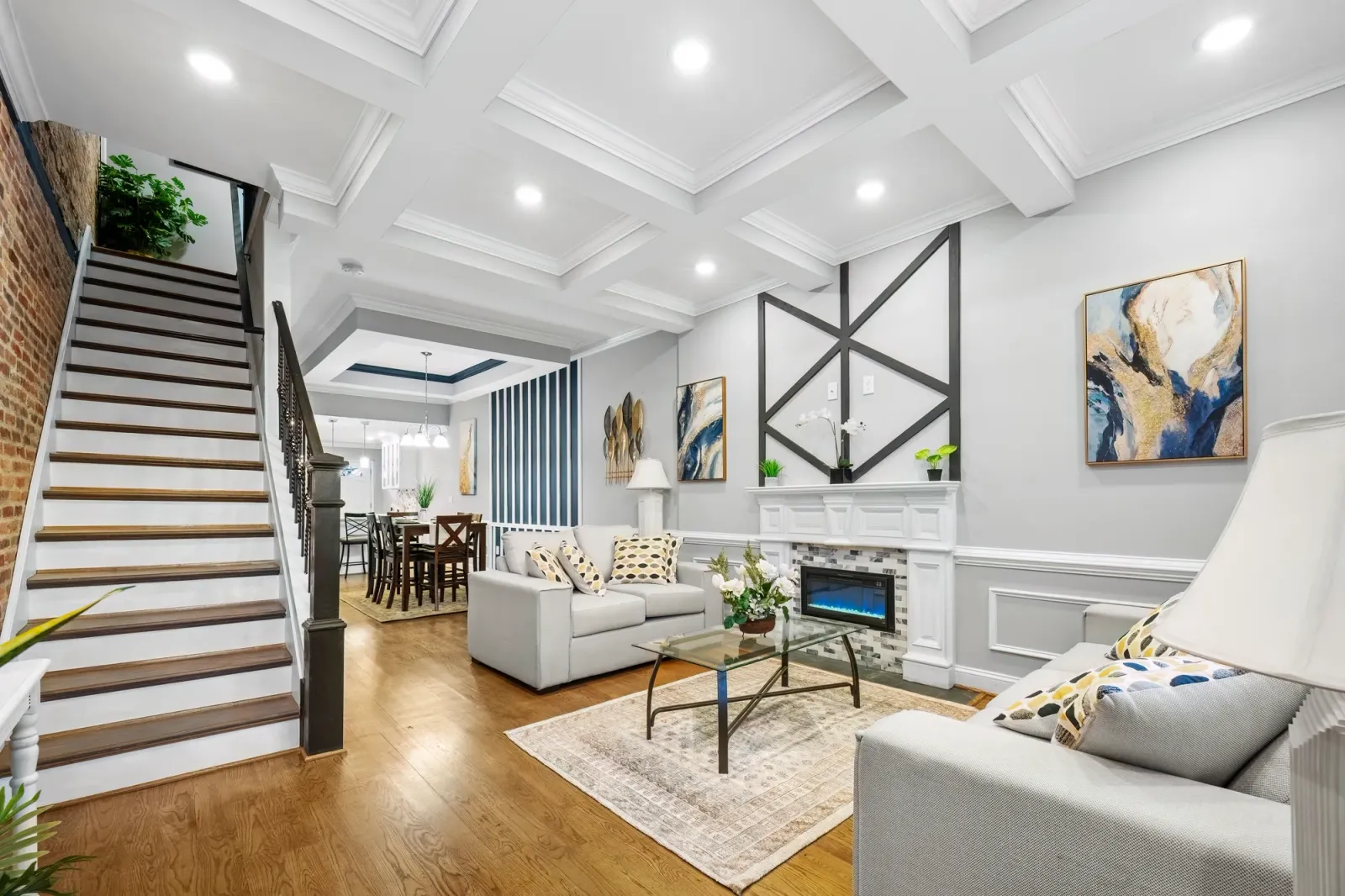
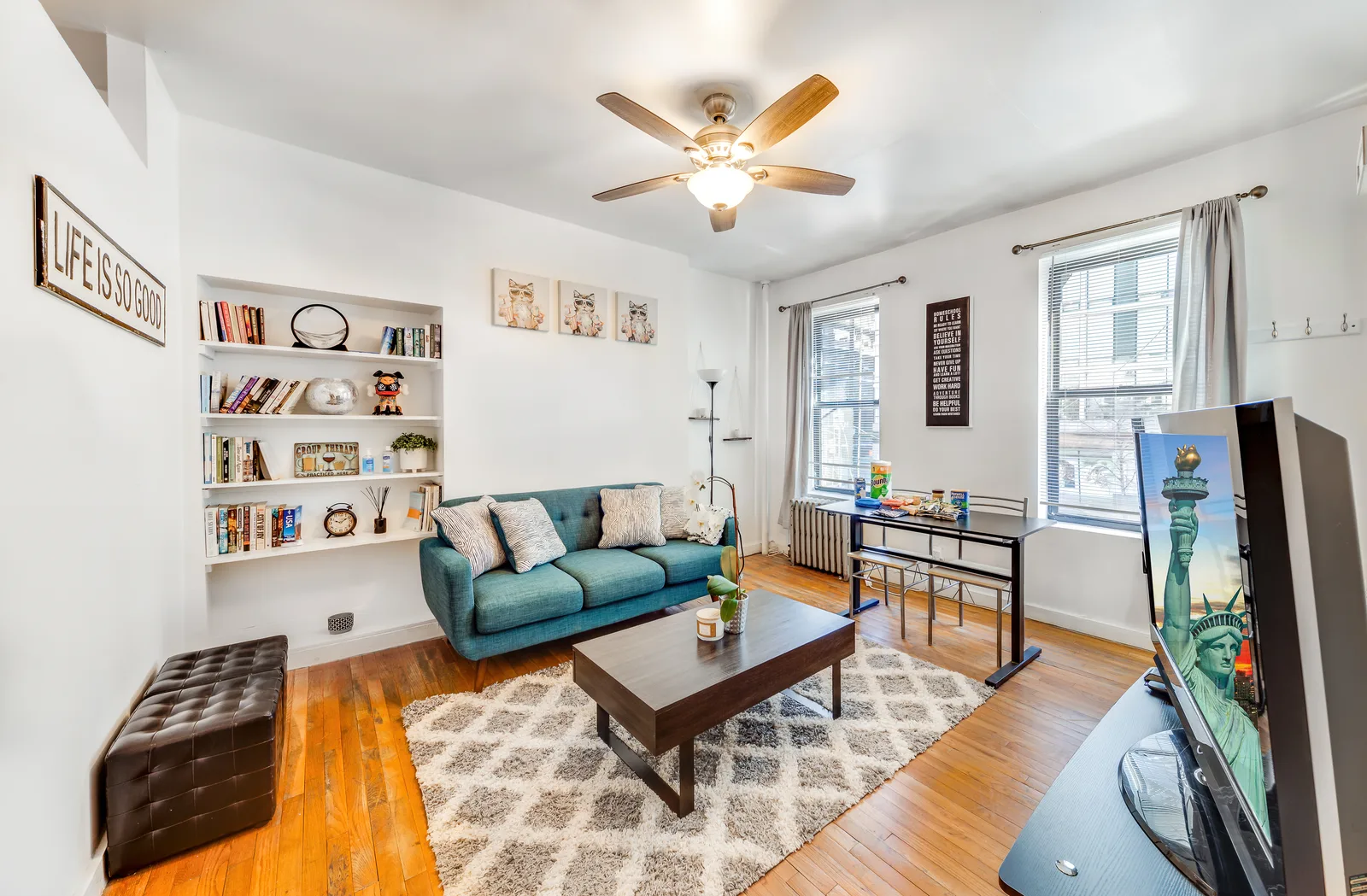
Before we get into Zillow’s app, here’s the bar. This is one of our professionally shot 360 virtual tours, a Baltimore condo. Walk it, then picture the same rooms captured on a phone. That gap is what the rest of this guide is about.
What is a Zillow 3D Home tour?
A Zillow 3D Home tour is a panorama-based virtual tour that lives directly on the Zillow listing. The 3D Home app walks you through capturing a 360-degree image in each room, stitches the panoramas into a connected walkthrough, and publishes the result to the listing, where potential buyers move through the rooms on a laptop or a mobile browser the way they would in any virtual tour. It’s Zillow’s answer to the home tours real estate photographers have produced for years, packaged so a seller or agent can create one without hiring anyone.
Add a compatible 360 camera and the app can also build an interactive floor plan: a tappable layout of the home that shows where each panorama was shot. Zillow’s own published numbers make the case for interactive floor plans, claiming real estate listings that carried one got 60 percent more views and were saved 79 percent more often than listings without. Marketing math from the platform selling the feature, sure. Directionally, it matches what we see: layout answers questions, and buyers reward listings that answer questions.
A tour on the listing turns a scroll-past into a walkthrough.
How do you do a 3D tour on Zillow?
You capture it yourself with the free app. The short version of the workflow:
- Download the Zillow 3D Home app and sign in with your Zillow account.
- Pick your camera. A newer iPhone works. A compatible 360 camera, Ricoh Theta being the common one, captures the full sphere in one shot and adds the interactive floor plan.
- Capture each room from its center, phone level, doors open, lights on. The app guides the panorama.
- Let it process, then publish the tour to your listing. On a for-sale-by-owner listing you attach it yourself; agents publish through their listing tools or MLS feed.
The whole capture on a small home takes under an hour. That’s the pitch, and for a rental or a quick FSBO it’s a fair one.
The reality on a listing you care about: a phone panorama meters the whole room off one exposure. Windows blow out to white, dark corners go muddy, and the stitch lines wander through door frames. Our shoots blend multiple exposures per frame precisely because interior light is uneven, and no phone app has repealed that physics.
Are Zillow 3D tours free?
Yes. The app is free, publishing the tour to your Zillow listing is free, and there’s no hosting fee. Zillow benefits when listings carry richer media, so it gives the capture tool away.
Free applies to the tool, not the result. What the free tour costs you is control: over exposure, over stitching, over how the property reads in its first impression. On a $2,400-a-month rental in Baltimore, nobody cares. On a listing where the commission has a comma, the media is the marketing, and the marketing is what the free app can’t guarantee.
What happened to Zillow 3D tours?
Nothing happened to Zillow’s own tours; the app is alive and still updated. What changed is everything around it. In late 2025 Zillow ended support for third-party tours inside listings, which removed Matterport embeds from the platform. If you want a tour that plays natively on Zillow, it’s Zillow’s format.
That change explains most of the confusion agents bring us. A Matterport link that used to sit on a Zillow listing stopped working the way it did, and the search results filled with people asking what happened. The practical takeaway: Zillow’s walled garden got taller, and the tour strategy for a listing splits in two. Zillow’s player belongs to Zillow’s app. Everywhere else, the MLS virtual tour field, your brokerage site, a direct-booking page, email, social, belongs to whatever tour you actually control.
Zillow controls what plays on Zillow. You control everything else.
Need a tour that travels past Zillow?Hosted 360 virtual tours from $300, six months included. NYC and Baltimore.
See 360 virtual tours →Does Zillow Showcase require a 3D tour?
Zillow Showcase, the paid premium listing format, is built around exactly this media set: immersive home tours, interactive floor plans, and high-resolution photography presented in a redesigned listing layout. Showcase listings are produced with Zillow’s media partners rather than self-captured, so if you’re paying for Showcase, the tour comes with the package rather than from your phone.
For everyone not paying for Showcase, the free 3D Home capture plus strong photography is how a standard listing gets most of the same effect. Which brings us to the actual decision.
Zillow 3D Home vs a professional 360 virtual tour
We wrote a full comparison of the two formats in our 3D virtual tour vs 360 tour guide. Here’s the version specific to Zillow’s app.
| Zillow 3D Home (free app) | Professional 360 virtual tour | |
|---|---|---|
| Cost | Free | From $300 with us, six months hosting included |
| Who shoots it | You, with a phone or 360 camera | A photographer lighting every room |
| Exposure quality | Single exposure, windows often blow out | Blended exposures, window views hold |
| Where it plays | Natively on the Zillow listing | Hosted link: MLS, your site, email, social, anywhere |
| Floor plan | With a compatible 360 camera | Available alongside the tour |
| Best use | Rentals, FSBO, quick coverage | Competitive listings, direct booking, marketing you own |
The two aren’t enemies. Plenty of real estate agents run the free Zillow capture for the platform’s native player and professional 360 virtual tours everywhere else. The mistake is letting the free capture be the only tour anyone sees, because the listing’s first impression follows the weakest media on it. It opens on a mobile screen more often than not, which is exactly where blown-out windows read worst. Scroll back up to the Baltimore condo tour for the professional version of the same idea.
When the free app is enough, and when it isn’t
Use the free Zillow capture when the listing is a rental, a FSBO testing the water, or a property where speed beats polish. Rentals especially: the free capture is how thousands of rentals get serviceable home tours that would otherwise get none. Do it in daylight, open every door, and keep the phone level while you create each panorama.
Hire the tour out when the listing competes. A Manhattan co-op against forty comparable units, a Fells Point rowhome priced above the block, a new development that needs to look finished before it is. Buyers compare media the same way they compare prices, and the listing with even light, straight lines, and a tour that works on every channel reads as the better-managed sale.
Free is the right price for a rental. It's an expensive choice for a sale.
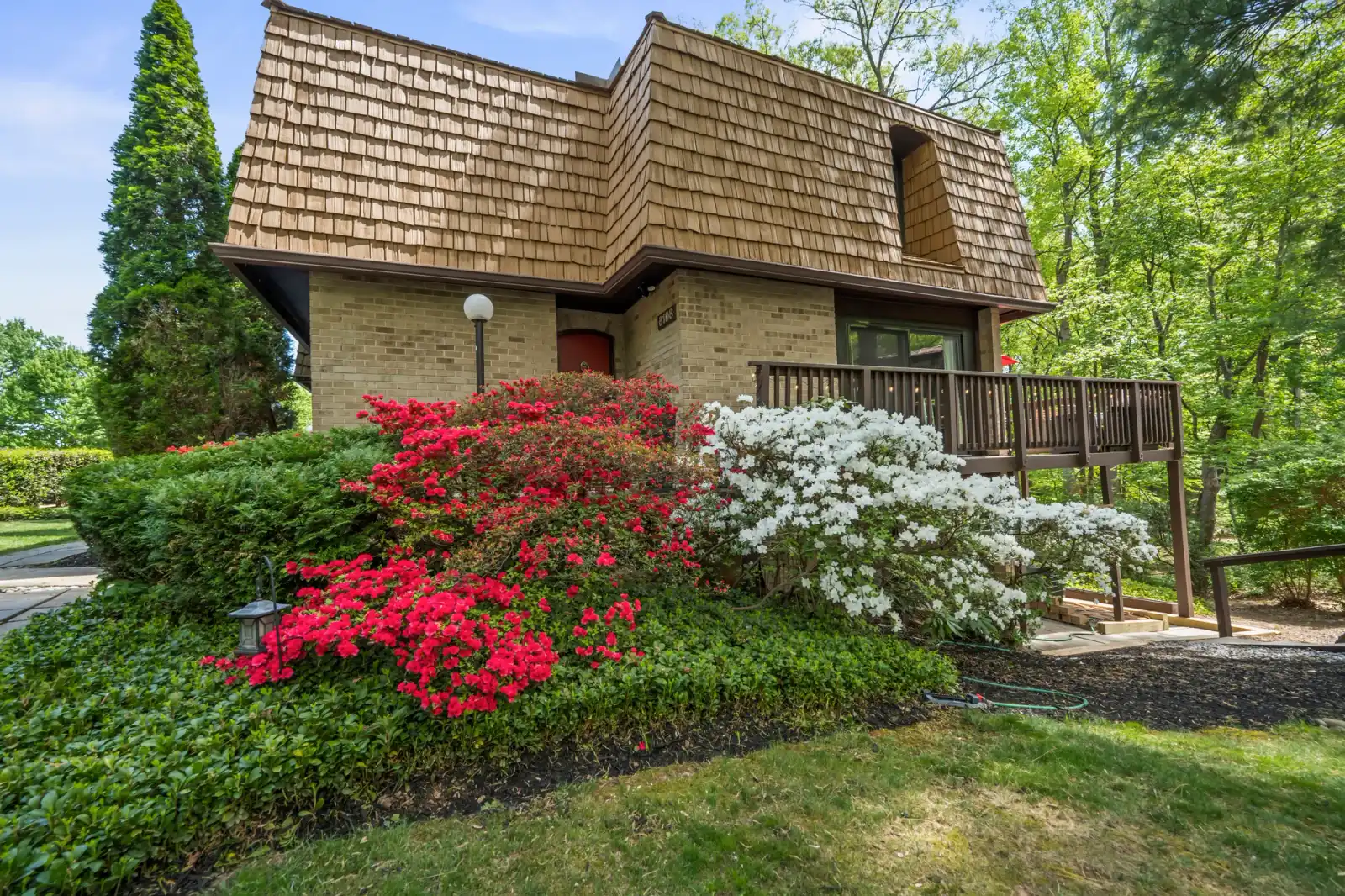
There’s also the reach question. A professional tour lives at a link you own, so the same shoot markets the property on the MLS, your site, and every message you send. The free Zillow tour markets the property on Zillow.
What we shoot
OpenDoors360 produces hosted 360 virtual tours, HDR photography, and video walkthroughs across New York City’s five boroughs and Baltimore. Colin shoots New York, a Baltimore-based photographer shoots Maryland, and both markets get the same services at the same public rates. Every shoot is HDR with 24 to 48 hour delivery. The 360 virtual tour starts at $300 for properties up to 1,500 square feet with six months of hosting; bundled with photos and video the full set starts at $575, and the rate table is public.
If you’re deciding between the free capture and a pro tour for a specific property, send us the address or call or text (701) 566-9171. We’ll give you a straight answer either way, including when the free app is genuinely all the listing needs.
FAQ: Zillow 3D tours
How do you do a 3D tour on Zillow?
Download the free Zillow 3D Home app, capture a 360-degree panorama in each room with a newer iPhone or a compatible 360 camera, and publish the finished tour to your listing. Small homes take under an hour to capture.
Are Zillow 3D tours free?
Yes. The app, the publishing, and the hosting on your listing cost nothing. The tradeoff is capture quality: a phone panorama can’t hold uneven interior light the way a professionally shot and edited tour can.
What happened to Zillow 3D tours?
The app is alive and updated. The change people remember is from late 2025, when Zillow ended support for third-party tours like Matterport inside listings, leaving Zillow’s own format as the one that plays natively on the platform.
Does Zillow Showcase require a 3D tour?
Showcase listings come with the immersive tour and interactive floor plan as part of the paid package, produced with Zillow’s media partners. You don’t capture it yourself.
What camera do I need for a Zillow 3D Home tour?
A newer iPhone handles the basic capture. A compatible 360 camera, like the Ricoh Theta or Insta360, captures full panoramas in one shot and is required for interactive floor plans.
Can I get an interactive floor plan from a phone capture?
No. The interactive floor plan requires a compatible 360 camera. Phone-only captures produce the tour without the floor plan.
Does a Zillow 3D tour work on the MLS or other sites?
It’s built for Zillow’s own player. For a tour that travels, the MLS virtual tour field, brokerage sites, email, social, a hosted professional tour link is the format that works everywhere.
Do 3D tours actually help a listing?
Zillow’s own numbers claim listings with an interactive floor plan earned 60 percent more views and 79 percent more saves. Treat the exact figures as the platform’s marketing, but the direction matches what we see: home tours pre-qualify buyers and layout answers the question that books a showing.
Should I do both a Zillow tour and a professional tour?
On a competitive listing, that’s often the right call. The free capture fills Zillow’s native player, and the professional 360 tour carries the MLS, your site, and your marketing. One shoot with us covers photos, tour, and video in a single visit.
How much does a professional 360 virtual tour cost?
Ours starts at $300 for properties up to 1,500 square feet, includes six months of hosting, and scales with square footage. Bundled with HDR photos and a walkthrough video, the set starts at $575.